Opportunity analysis
Compare opportunities through RICE, Kano, ICE, strategic alignment, customer evidence, and market signals.
Product Inflection · Visual tour
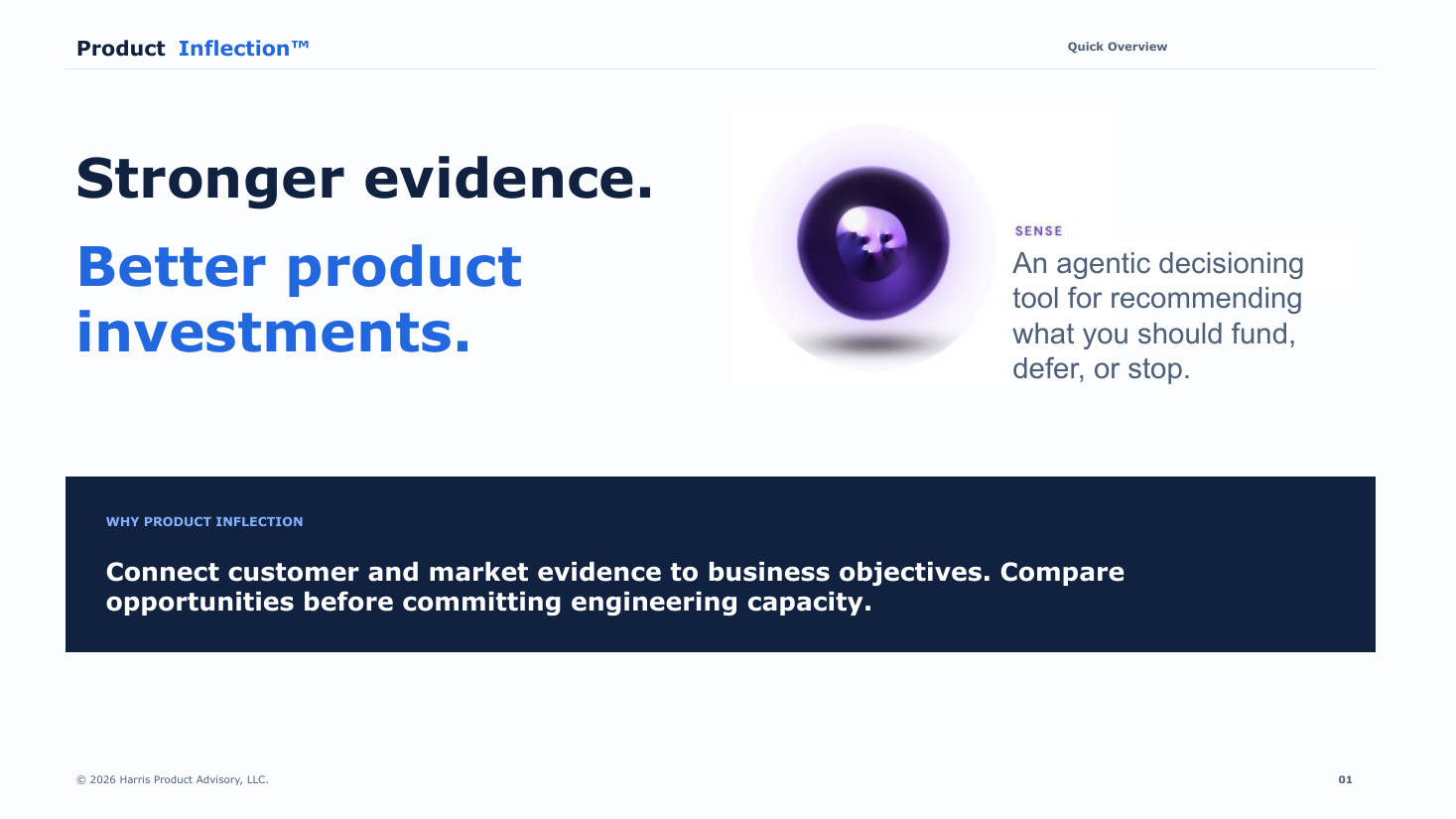
Explore how Product Inflection places agentic AI inside a governed product decision process—connecting customer and market evidence to strategy before engineering capacity is committed.
Read online
What the tour covers
The tour shows how Product Inflection keeps the rationale for product investments connected across the portfolio.
Compare opportunities through RICE, Kano, ICE, strategic alignment, customer evidence, and market signals.
Surface changed evidence, decision gaps, assumptions, low-value requests, and recommended portfolio moves.
Connect objectives and key results to committed work, Jira status, dependencies, and presentation-ready roadmaps.
Bring competitor research, voice-of-customer evidence, support tickets, bug reports, and stakeholder demand into decisions.
Connect Jira, Google Drive, HubSpot, and Zoho while keeping access and AI usage governed by role and group.
Use the guided Setup Wizard to configure the foundation, Advisory Team, workflows, users, and organizational learning.
Optional · Headless operations
Product Inflection can monitor approved Google Drive folders and bring governed AI assistance into designated Google Chat spaces—meeting teams in the tools where they already work.
Settings → Watched Drive Folders
Product Inflection checks approved Google Drive folders for new and revised product documents, imports them in the background, and makes drafts available for review.
Settings → Set up Google Chat
Connect your company and Google account, then configure any of three experiences for the chats where each capability belongs.
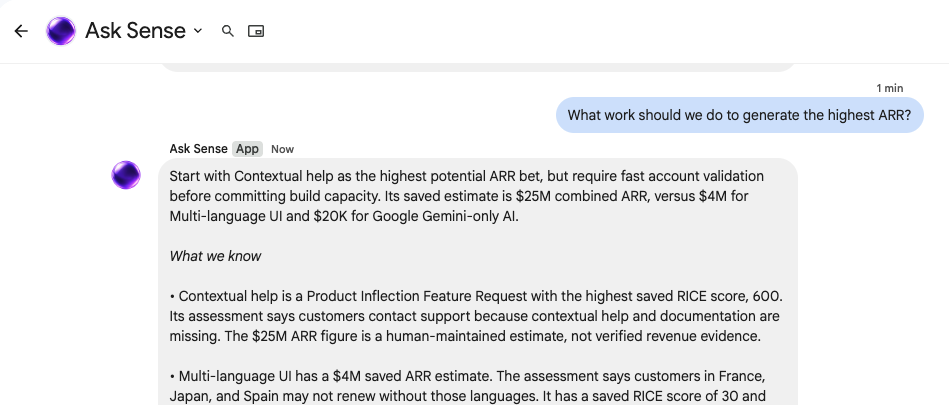
Teammates can ask questions and request artifacts, including presentations sent to an approved shared Drive folder. Answers use Product Inflection’s evidence and strategic context.
Receive market and competitor updates that explain what is new, why it matters, the source, and retrieval date. Human-posted updates can be verified and added to the Market Intelligence Library.
Share new insights from the Customer Experience and Discovery Partners, including analysis of support tickets, customer evidence, and Jira bug tickets.